
Banner Upload WordPress Plugin
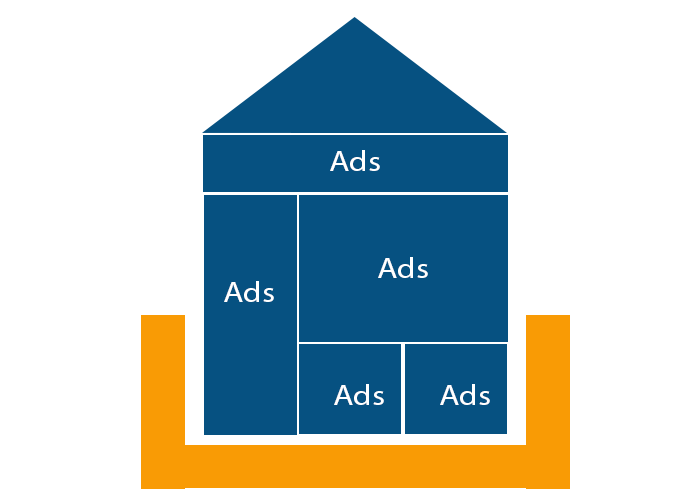
Most of the bloggers and website owners are earning huge money based on the advertisements placed on their websites. The advertisements may be placed or added with variety of types like images, links or scripts to show the advertisements. The WordPress Banner Upload Plugin provides you more flexibility to upload image on various size like 728x90, 350x250, 250x250 etc., through widgets and able to change the width and height of the image. So, based on the WordPress template the user can able to add as many number of WordPress Banner Upload Plugin on their website through widgets.
License Checkout
Banner Upload WordPress Plugin
About Banner Upload WordPress Plugin
Most of the bloggers and website owners are earning huge money based on the advertisements placed on their websites. The advertisements may be placed or added with variety of types like images, links or scripts to show the advertisements. The WordPress Banner Upload Plugin provides you more flexibility to upload image on various size like 728x90, 350x250, 250x250 etc., through widgets and able to change the width and height of the image. So, based on the WordPress template the user can able to add as many number of WordPress Banner Upload Plugin on their website through widgets.
Key Features & Architecture
Discover what makes Banner Upload WordPress Plugin unique, reliable, and developer-friendly.
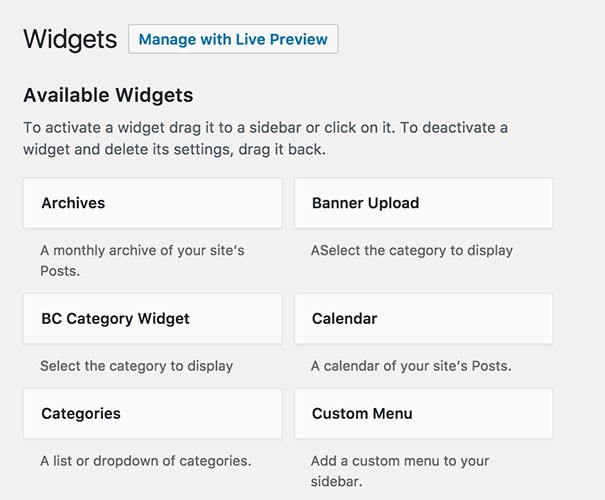
Widget
Upload the image banner ads through widget.
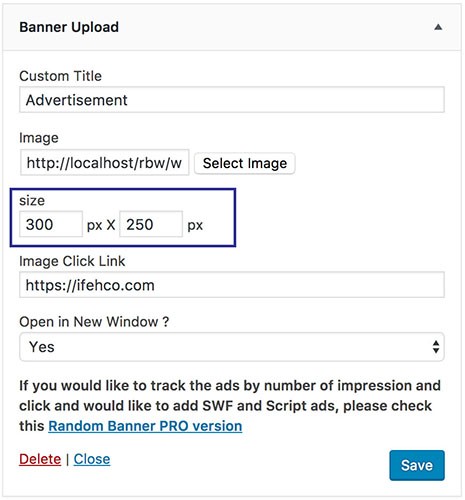
Custom Size
Modify the size of image banner ads based on width and height.
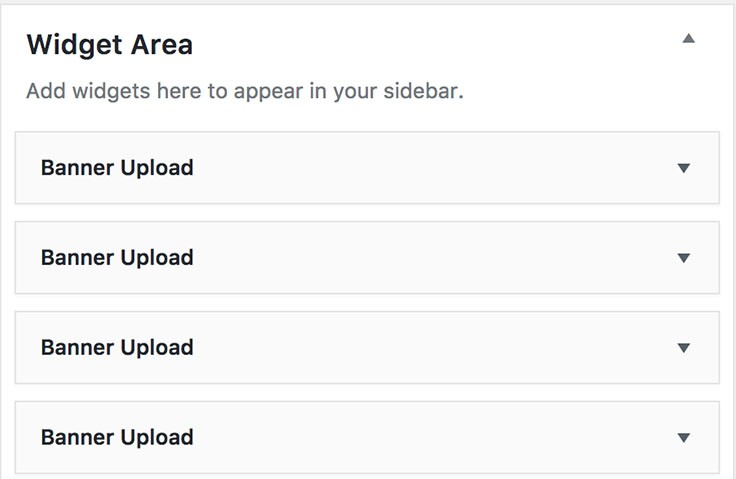
Multiple Banners
Easy way to create multiple image banner ads with different sizes through widgets.
Linkable
Add the external link for the respective banner ads, so that when users clicks the banner, then it will redirect it to respective ads page.
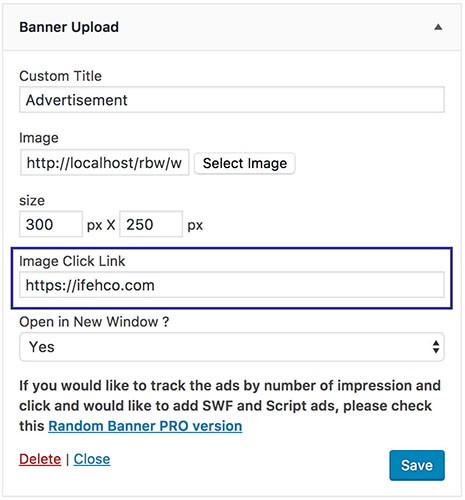
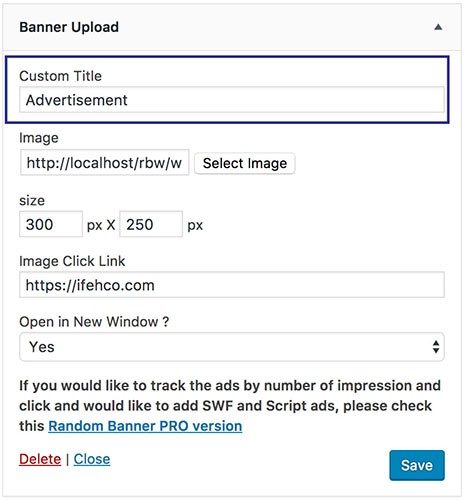
Custom Title
Add the custom title for each widget you creating.
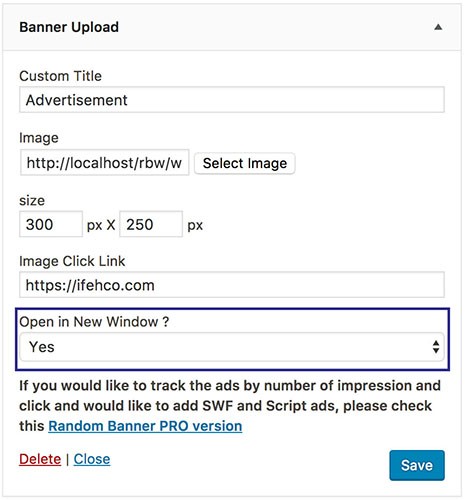
Open New Window
The external banner links can be opened in same or new window
Plugin Screenshots & UI Preview
Click any screenshot below to inspect the interface and configuration settings in full resolution.
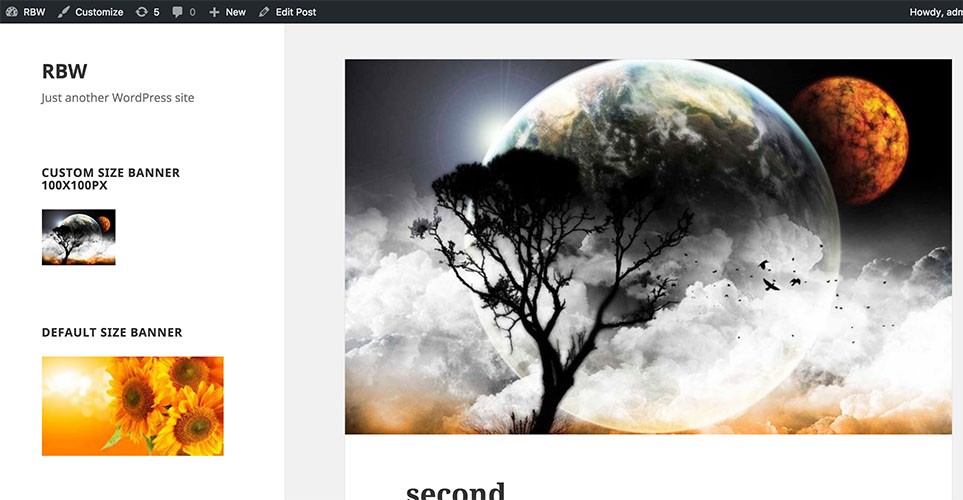
Banner Upload Front View
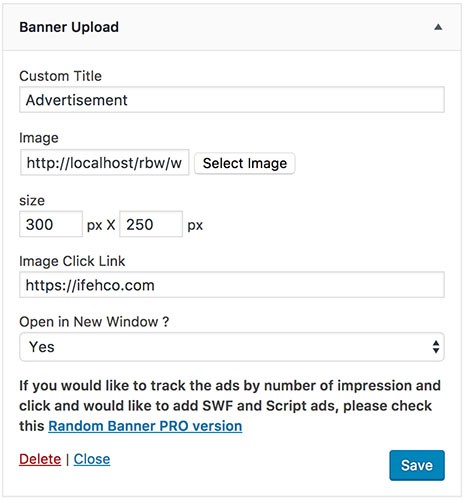
Banner Upload Widget View
Changelog & Release Notes
Detailed history of improvements, bug fixes, and feature additions.
* Moved the setting to widget location. Now user can able to add multiple banners using widget
* Few bug fixes
Frequently Asked Questions
Everything you need to know about Banner Upload WordPress Plugin installation, licensing, and usage.
2. Go to the plugins setting page and activate "Banner Upload"
3. Go to Appearance --> Widget --> Drag Banner Upload Widget to appropriate location
4. Add the custom title, upload the image, add the image size and URL link.
5. Do save.