
Frontend Dashboard Custom Post and Taxonomies
Frontend Dashboard Custom Post and Taxonomies is an add-on for Frontend Dashboard WordPress plugin. Through this add-on, we can able to add and customise the custom posts, Post type and taxonomies (category and tag) with user role based restrictions.
License Checkout
Frontend Dashboard Custom Post and Taxonomies
About Frontend Dashboard Custom Post and Taxonomies
Frontend Dashboard Custom Post and Taxonomies is an add-on for Frontend Dashboard WordPress plugin. Through this add-on, we can able to add and customise the custom posts, Post type and taxonomies (category and tag) with user role based restrictions.
Key Features & Architecture
Discover what makes Frontend Dashboard Custom Post and Taxonomies unique, reliable, and developer-friendly.
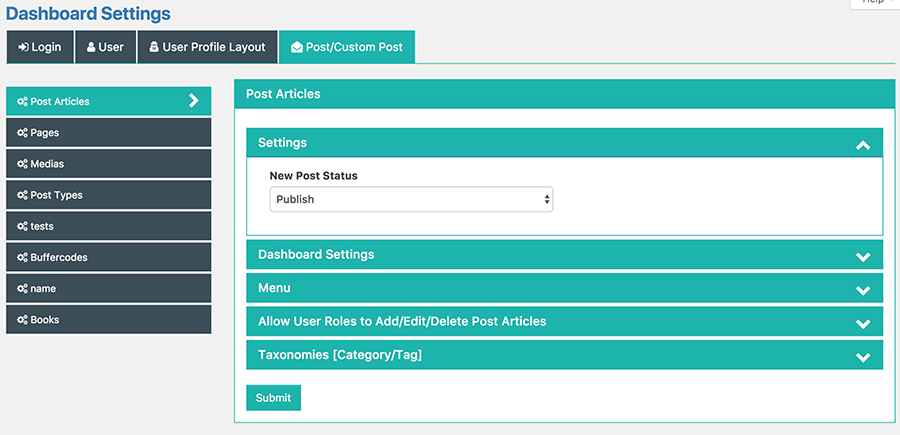
Post Status
Restrict users on post status to either publish or pending on all custom posts
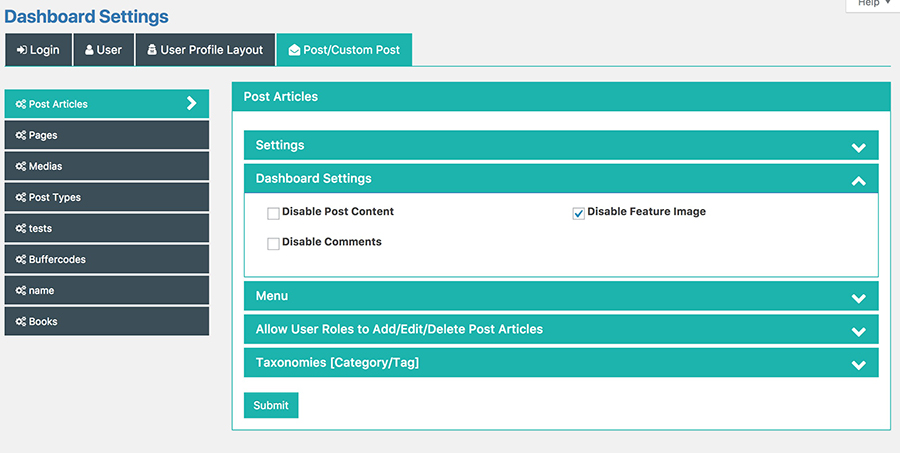
Disable Default Post
Disable the default post attributes like content, featured image, comments of that post type.
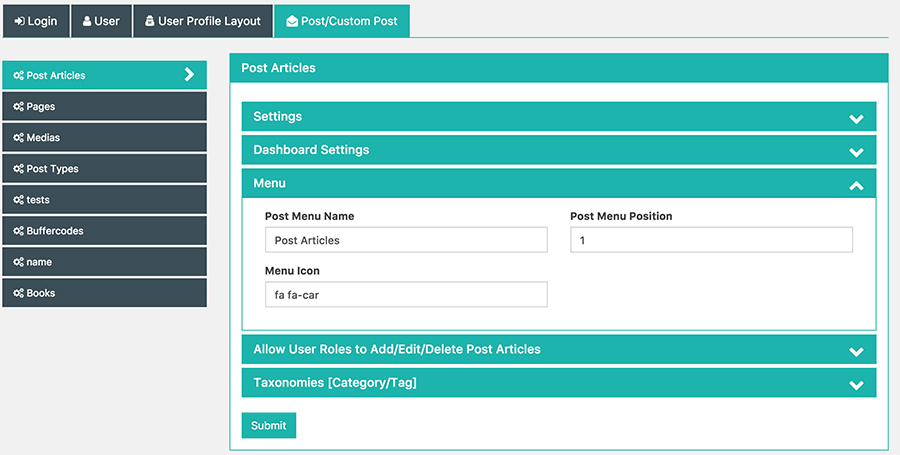
Customise Menu
Customise the post name, icon and order of each post types shown in Frontend Dashboard
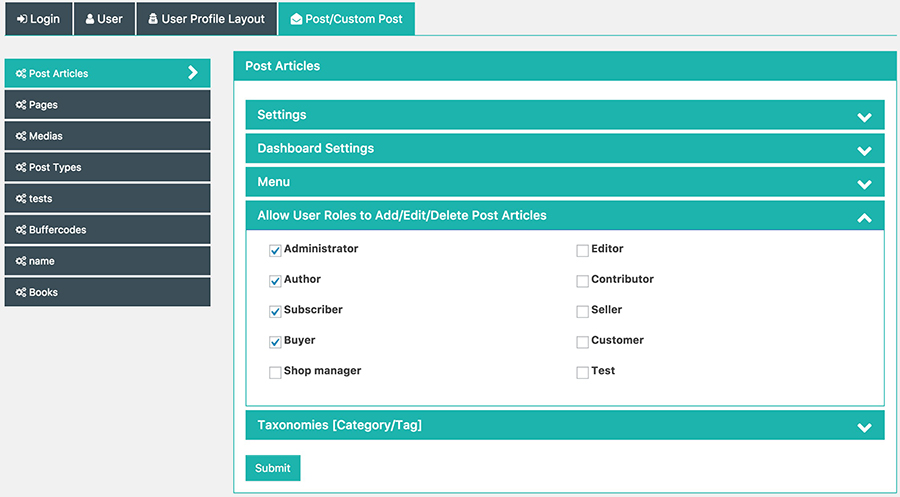
Disable User Roles
Disable user roles to access the post/custom post type
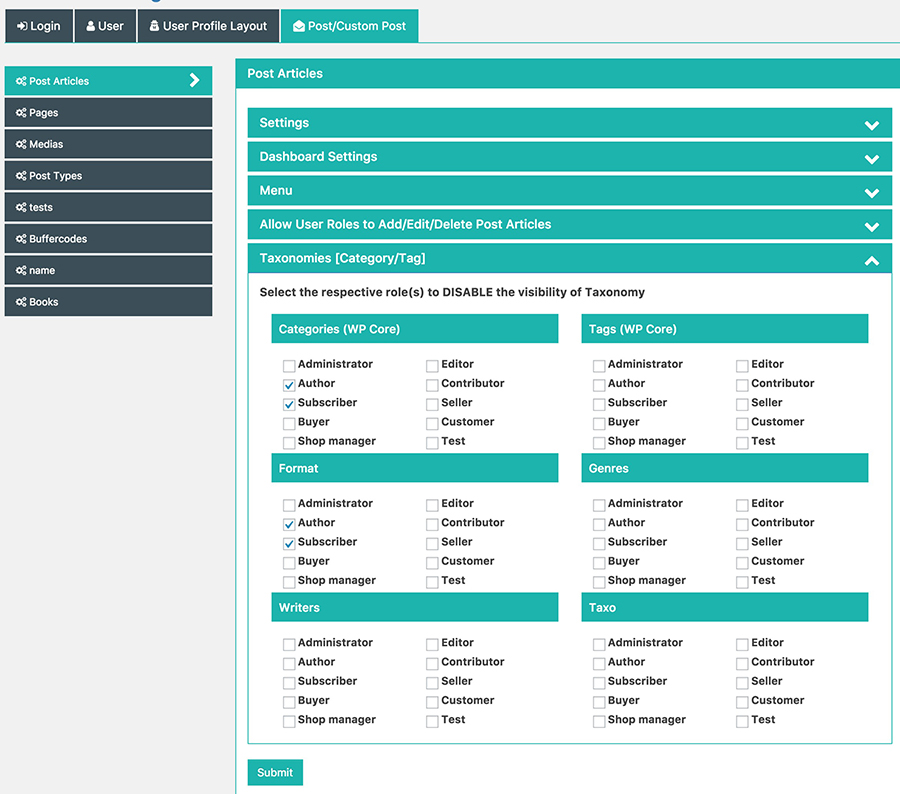
Disable Taxonomies
Disable user roles to access the assigned Taxonomies (Category/Tags) of the post/custom post
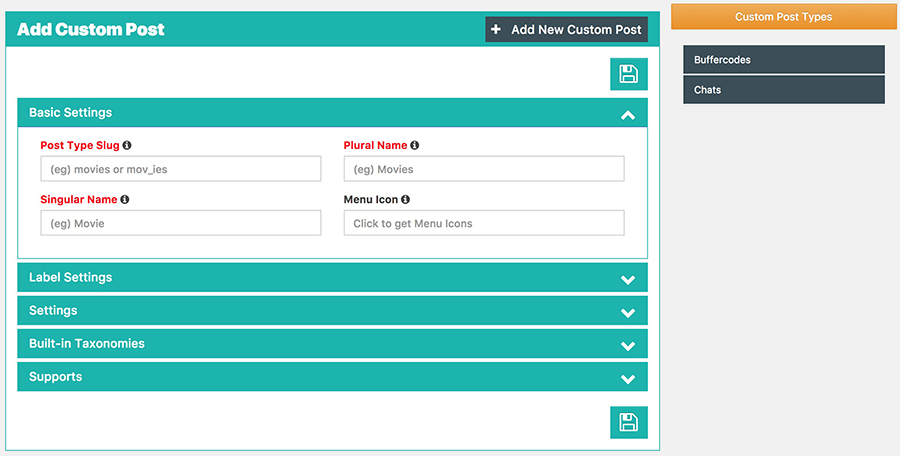
Add/Edit/Delete Custom Post
Easy to add, edit and delete the custom post
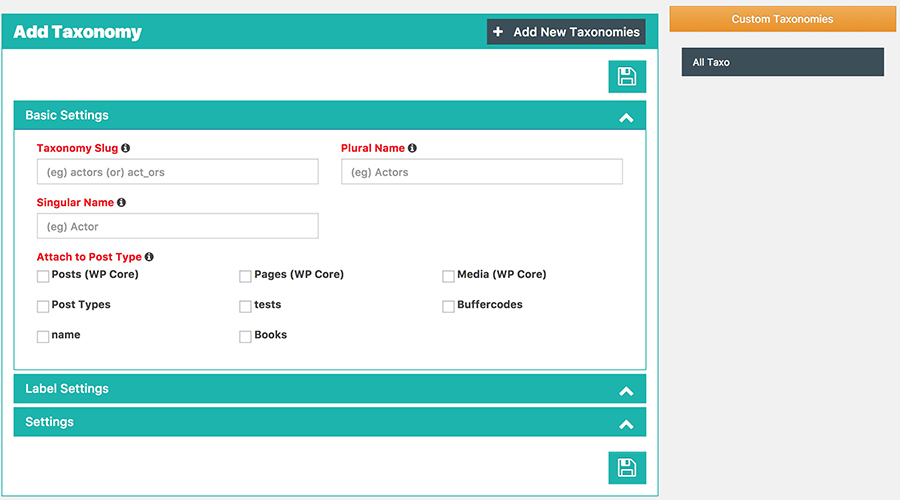
Add/Edit/Delete Taxonomies
Easy to add, edit and delete the taxonomies (category/tag)
Plugin Screenshots & UI Preview
Click any screenshot below to inspect the interface and configuration settings in full resolution.
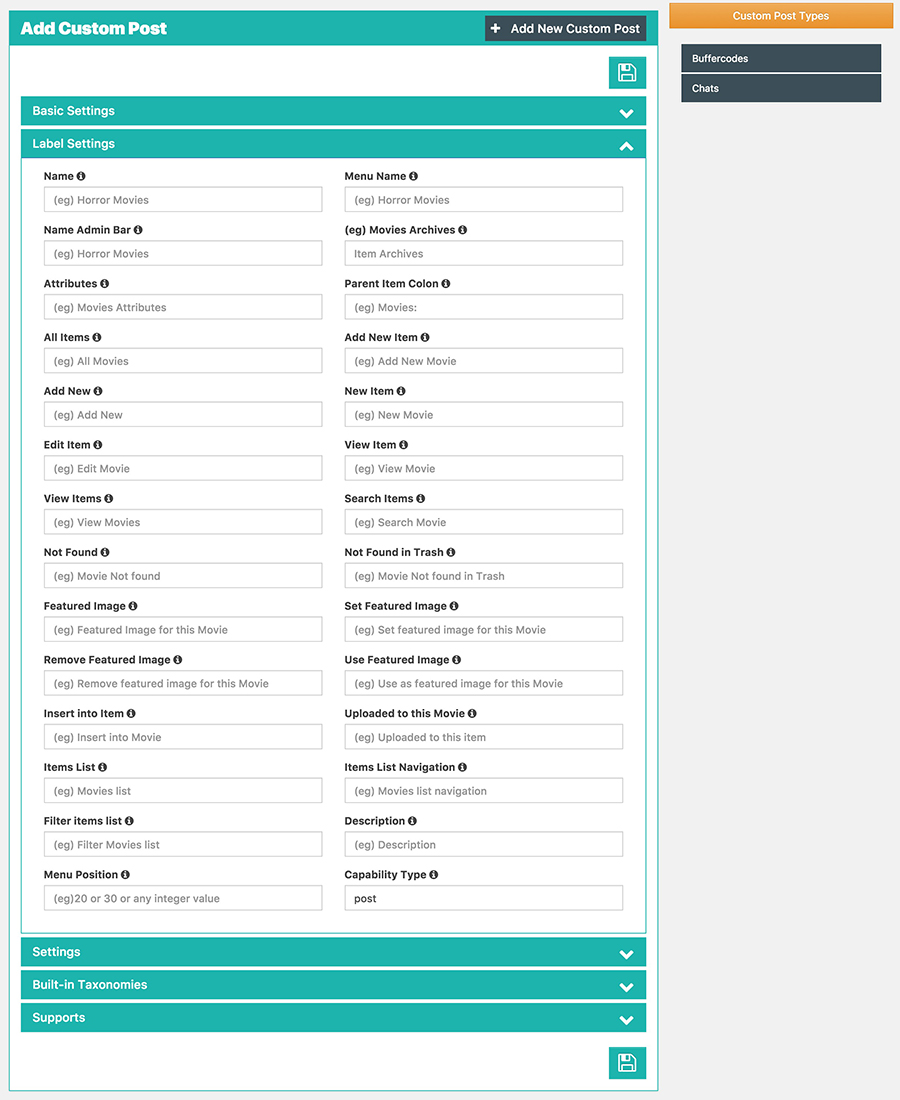
Custom Post Label Settings
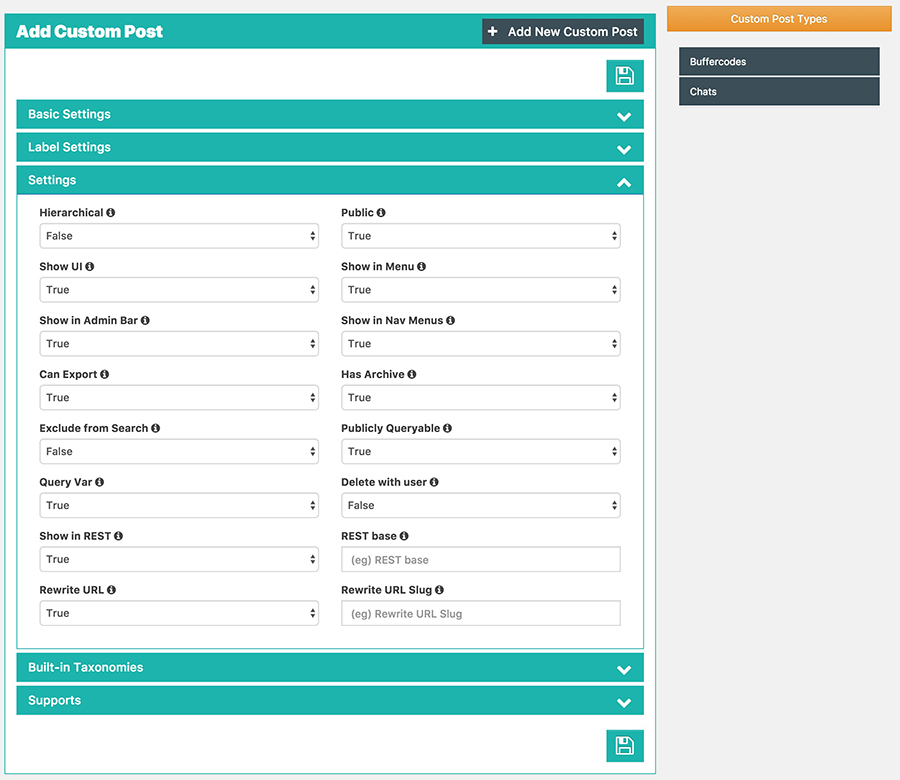
Custom Post Settings
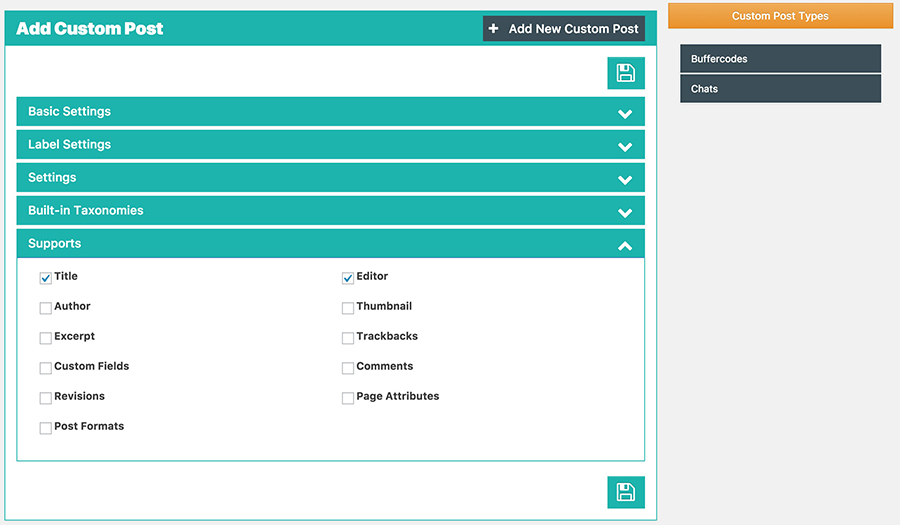
Custom Post Supports
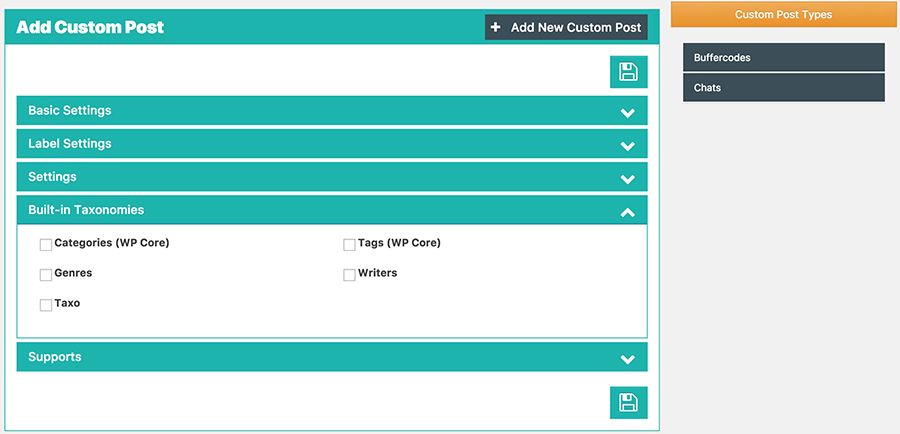
Custom Post Taxonomy
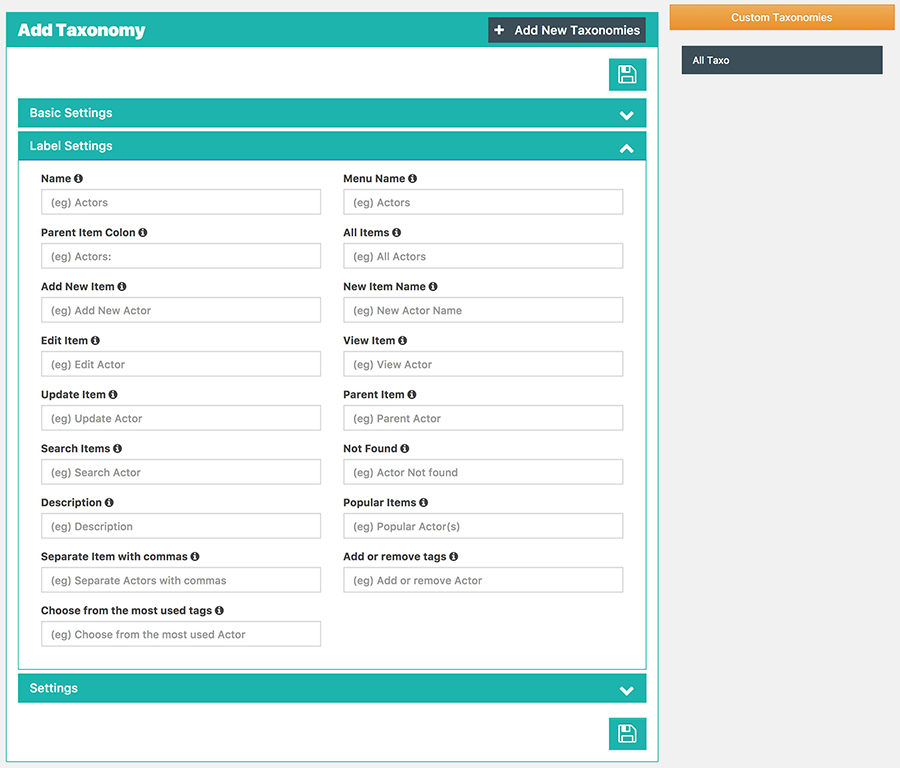
Taxonomy Labels
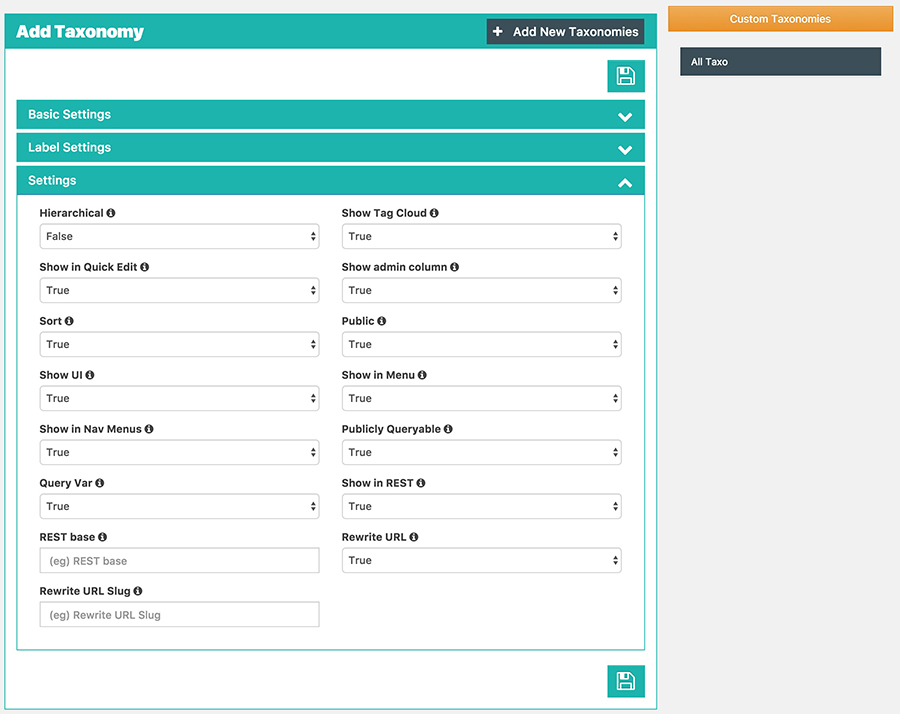
Taxonomy Settings
Changelog & Release Notes
Detailed history of improvements, bug fixes, and feature additions.
* Few bug fixes.
* Show the empty Category/Tag Names
* Bug: Post status pending not working
Frequently Asked Questions
Everything you need to know about Frontend Dashboard Custom Post and Taxonomies installation, licensing, and usage.
2. Go to the plugins setting page and activate “Frontend Dashboard Custom Post”
3. Go to Frontend Dashboard Menu | Custom Post to configure.
4. Do save.