
Frontend Dashboard Payment
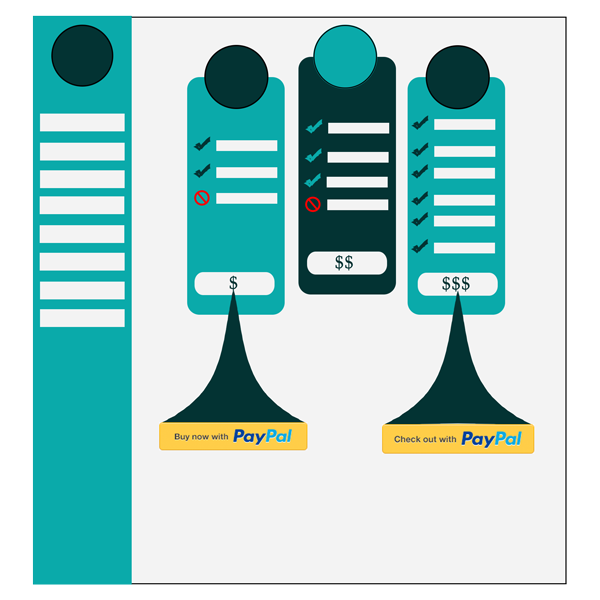
Frontend Dashboard payment allows user to pay the subscription or one time payment via PayPal.
License Checkout
Frontend Dashboard Payment
About Frontend Dashboard Payment
Frontend Dashboard payment allows user to pay the subscription or one time payment via PayPal.
Key Features & Architecture
Discover what makes Frontend Dashboard Payment unique, reliable, and developer-friendly.
PayPal Payment
One time and Subscription payment Can be done via PayPal
Plugin Screenshots & UI Preview
Click any screenshot below to inspect the interface and configuration settings in full resolution.
PayPal Payment
Changelog & Release Notes
Detailed history of improvements, bug fixes, and feature additions.
Frequently Asked Questions
Everything you need to know about Frontend Dashboard Payment installation, licensing, and usage.
2. Go to the plugins setting page and activate “Frontend Dashboard Membership”
3. Go to Frontend Dashboard | Frontend Dashboard | Payment
4. Customize it.