
Frontend Dashboard Social Chat
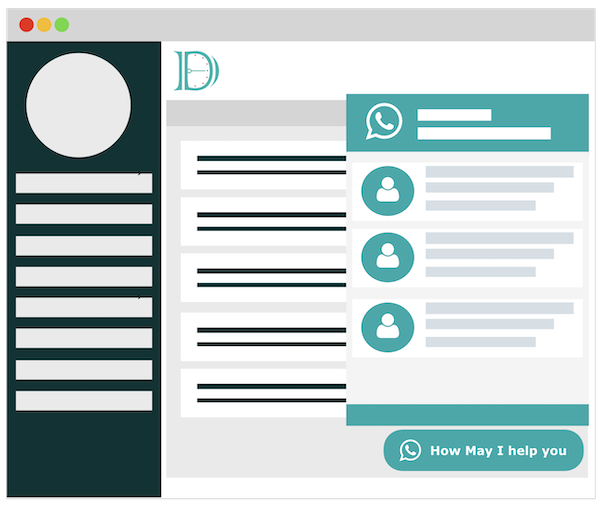
Frontend Dashboard Social Chat WordPress plugin makes users to connect the website support or technical teams via WhatsApp.
License Checkout
Frontend Dashboard Social Chat
About Frontend Dashboard Social Chat
Frontend Dashboard Social Chat WordPress plugin makes users to connect the website support or technical teams via WhatsApp.
Key Features & Architecture
Discover what makes Frontend Dashboard Social Chat unique, reliable, and developer-friendly.
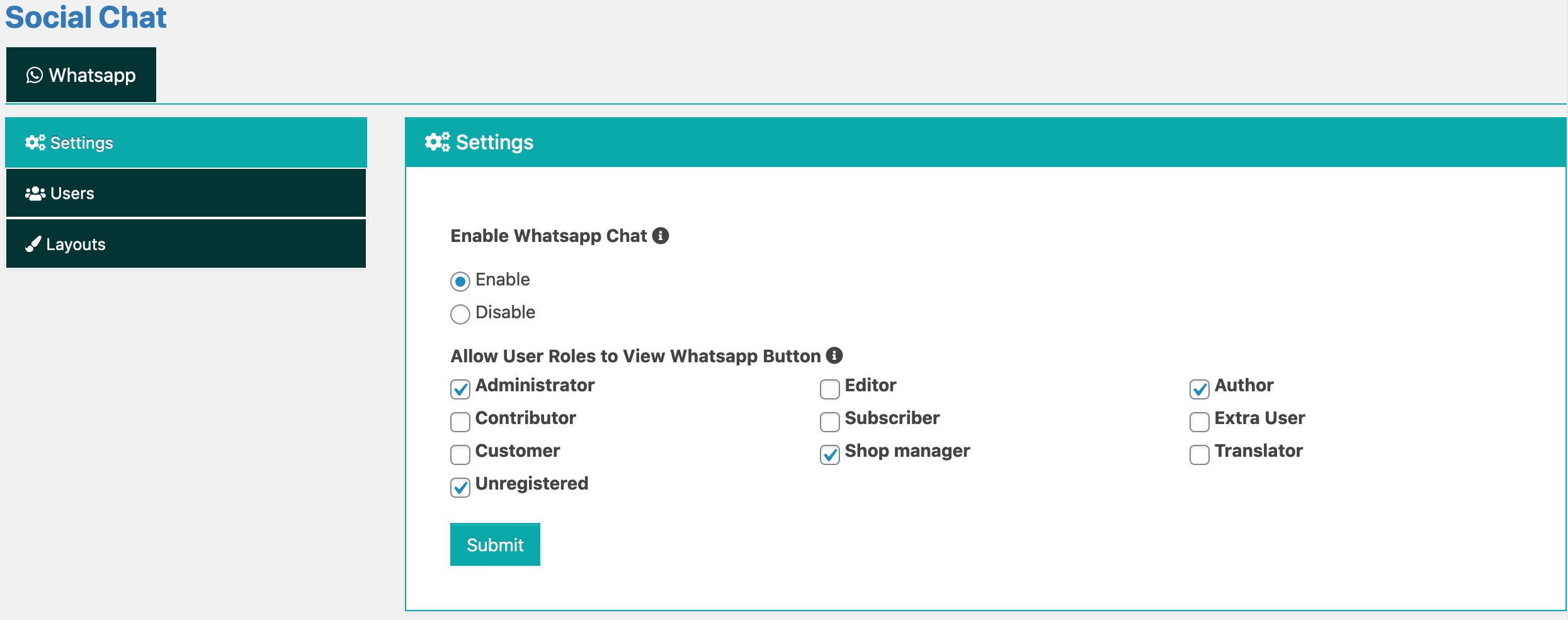
Restrict Users
Admin can allow the respective user roles to have the WhatsApp chat button to initiate the chat.
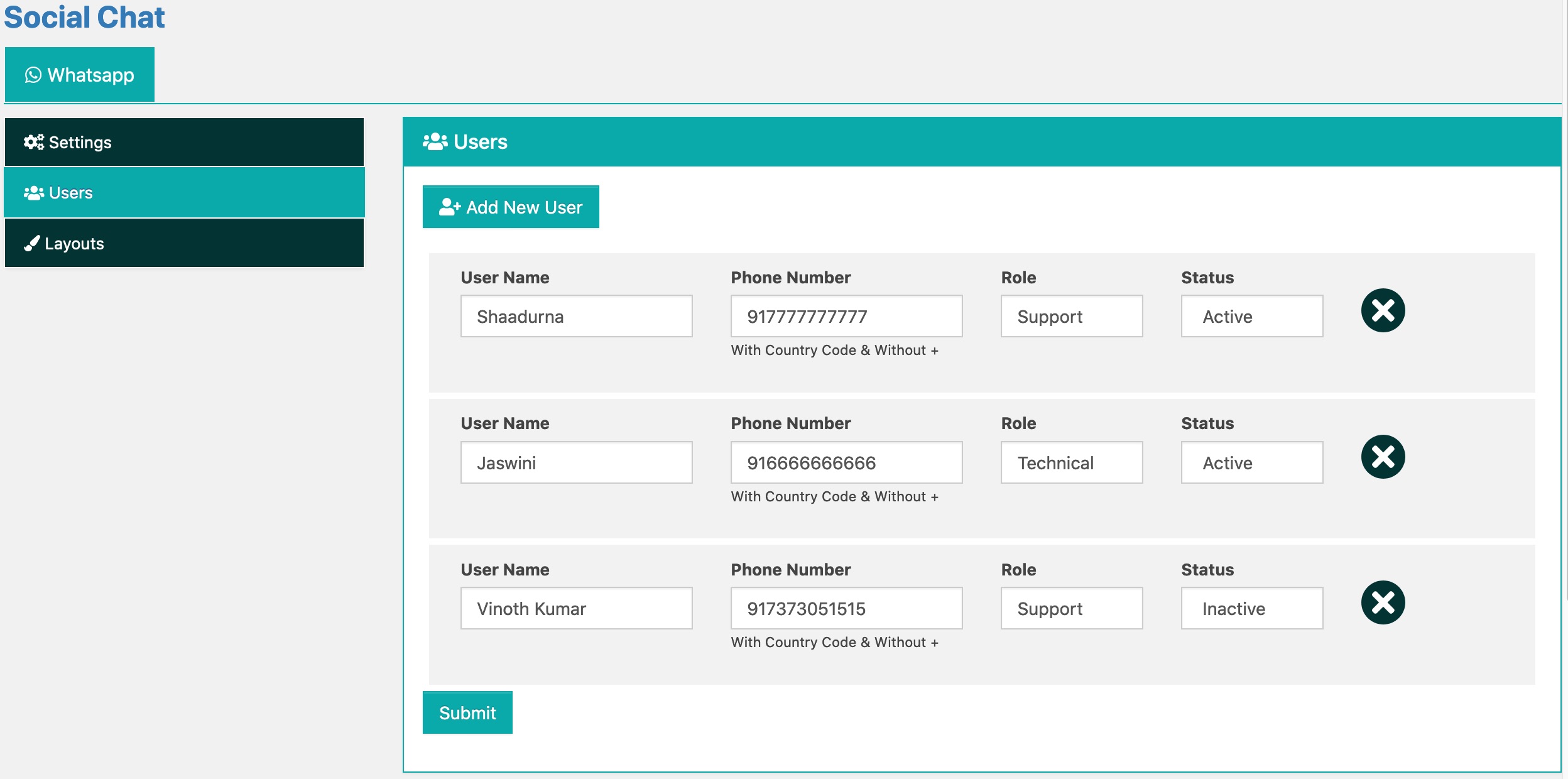
Representative
Add any number of representative to the website to answer the WhatsApp chat.
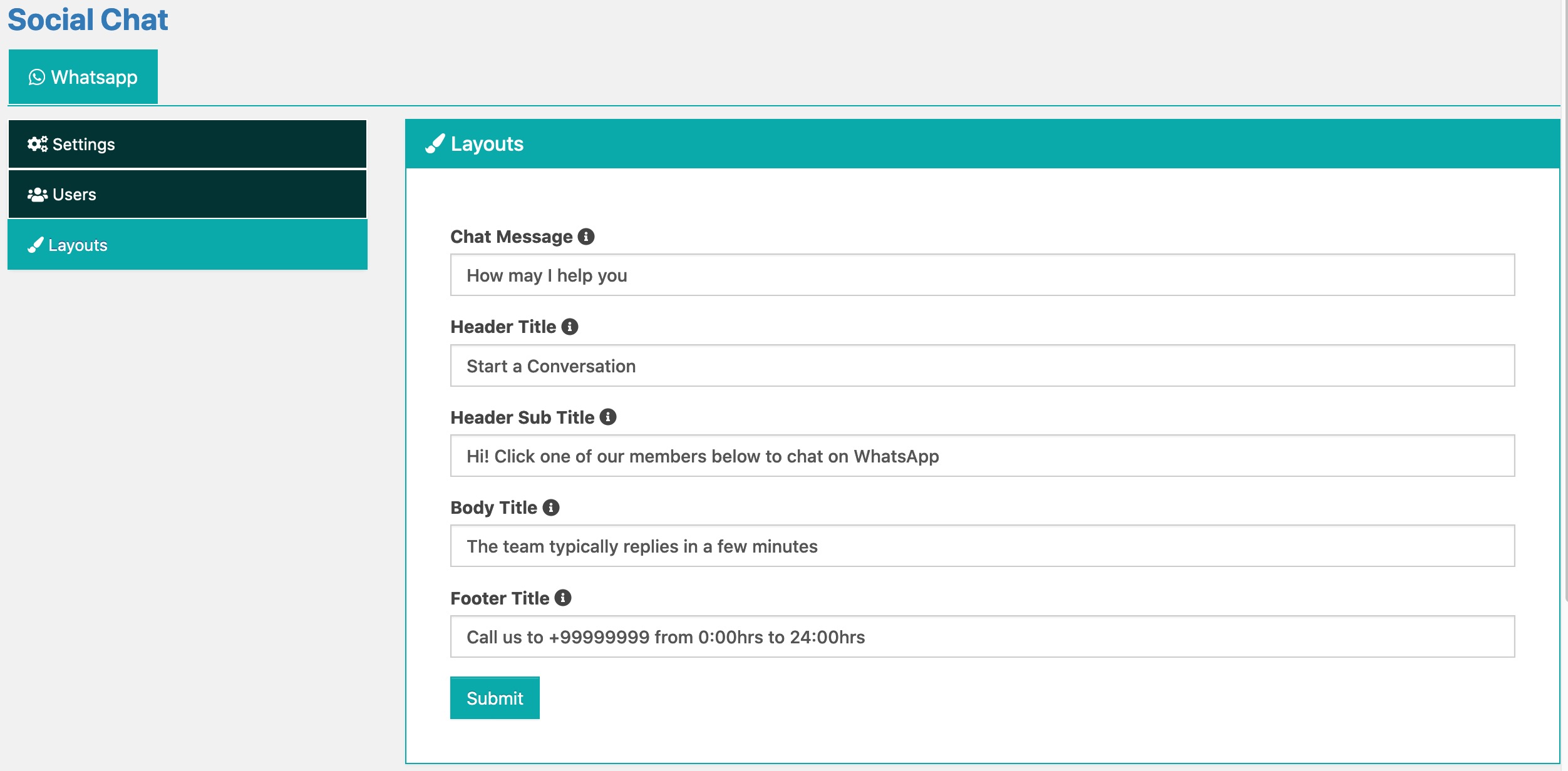
Layout
Customise the layout content as per your website requirement
Theme
The Frontend Dashboard Social Chat is completely supportive with the primary and secondary color of the Frontend Dashboard.
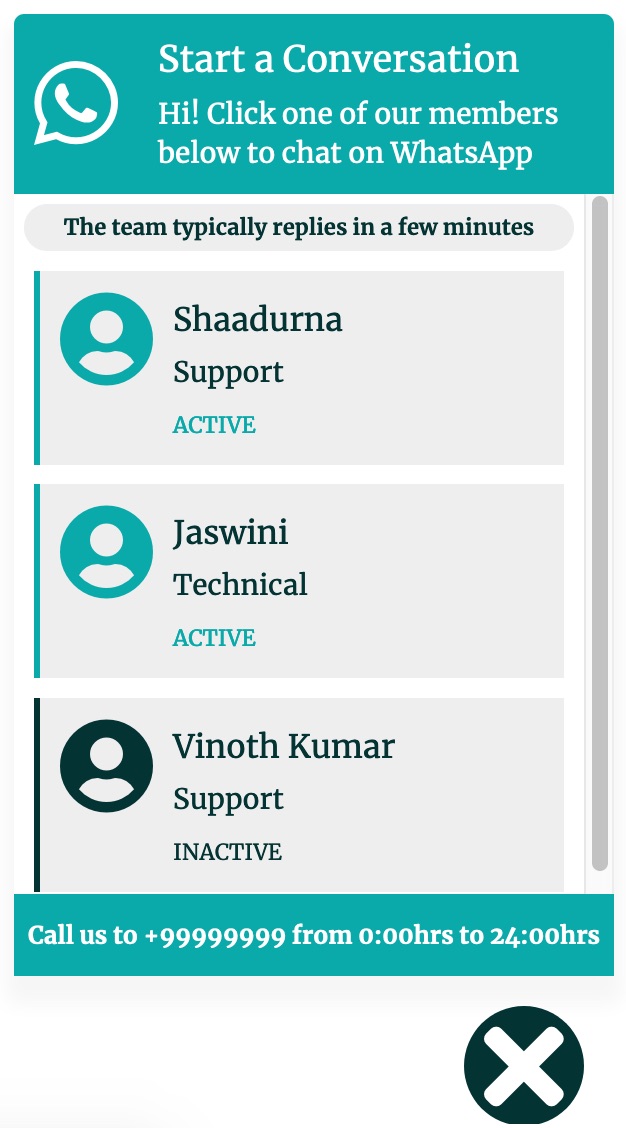
Plugin Screenshots & UI Preview
Click any screenshot below to inspect the interface and configuration settings in full resolution.
Frontend Dashboard Social Chat Window

Frontend Dashboard Social Chat Button
Changelog & Release Notes
Detailed history of improvements, bug fixes, and feature additions.
Frequently Asked Questions
Everything you need to know about Frontend Dashboard Social Chat installation, licensing, and usage.
2. Go to WP Admin | Plugins | Add New | (click) Upload Plugin | Click Choose file to upload | (click) Install Now
3. Activate the plugin
4. Go to WP Admin | Frontend Dashboard | Social Chat
5. Add the respective details and save.