
Frontend Dashboard Social Connect
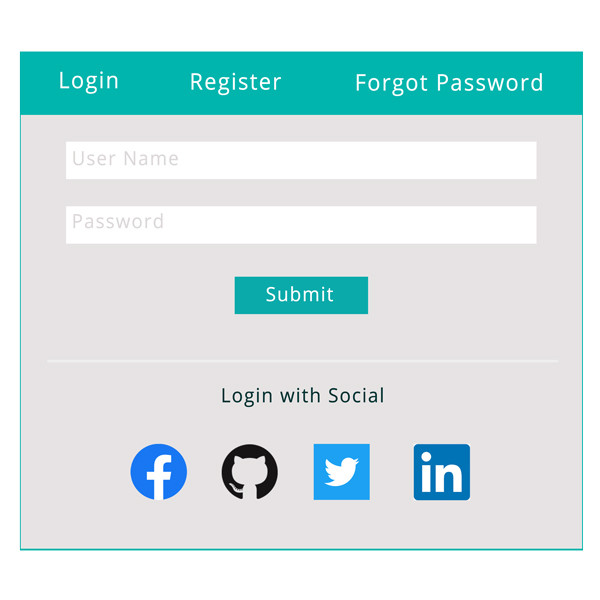
Frontend Dashboard Social Connect provides users to register and login with Social Networks like Facebook, Twitter, LinkedIn, GitHub.
License Checkout
Frontend Dashboard Social Connect
About Frontend Dashboard Social Connect
Frontend Dashboard Social Connect provides users to register and login with Social Networks like Facebook, Twitter, LinkedIn, GitHub.
Key Features & Architecture
Discover what makes Frontend Dashboard Social Connect unique, reliable, and developer-friendly.
Login
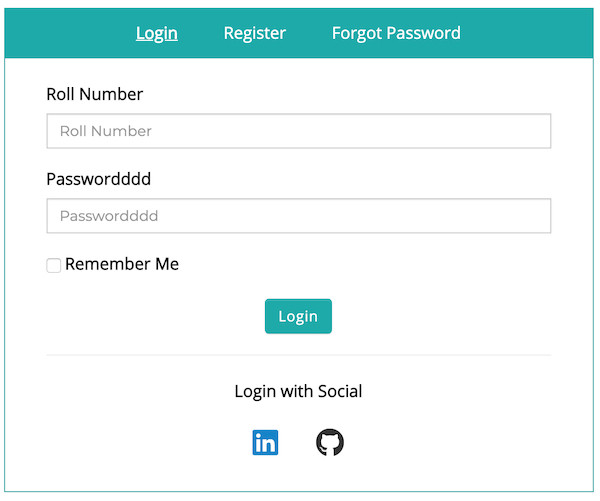
Users can register and login with social networks like Facebook, Twitter, LinkedIn, GitHub
Buttons
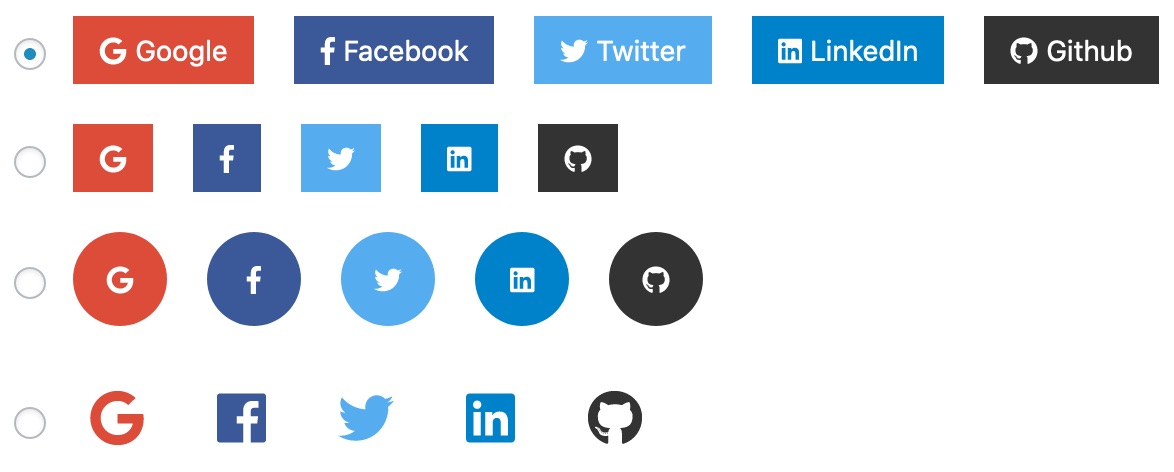
Varieties of Social media button shapes.
Plugin Screenshots & UI Preview
Click any screenshot below to inspect the interface and configuration settings in full resolution.
Social Buttons
Social Login
Changelog & Release Notes
Detailed history of improvements, bug fixes, and feature additions.
Frequently Asked Questions
Everything you need to know about Frontend Dashboard Social Connect installation, licensing, and usage.
2. Go to WP Admin | Plugins | Add New | (click) Upload Plugin | Click Choose file to upload | (click) Install Now
3. Activate the plugin
4. Go to WP Admin | Frontend Dashboard | Frontend Dashboard | Social
5. Add the respective details and save.