
Frontend Dashboard Templates
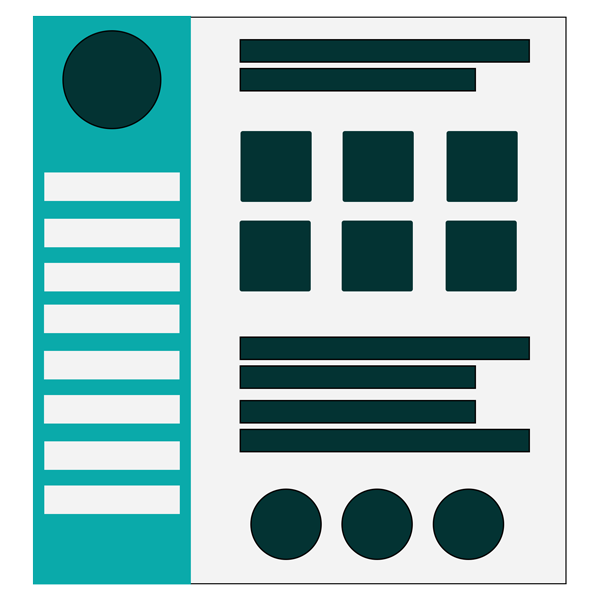
Frontend Dashboard template will have customised layouts with logo, varieties colors for layouts, extendable by widget and layouts.
License Checkout
Frontend Dashboard Templates
About Frontend Dashboard Templates
Frontend Dashboard template will have customised layouts with logo, varieties colors for layouts, extendable by widget and layouts.
Key Features & Architecture
Discover what makes Frontend Dashboard Templates unique, reliable, and developer-friendly.
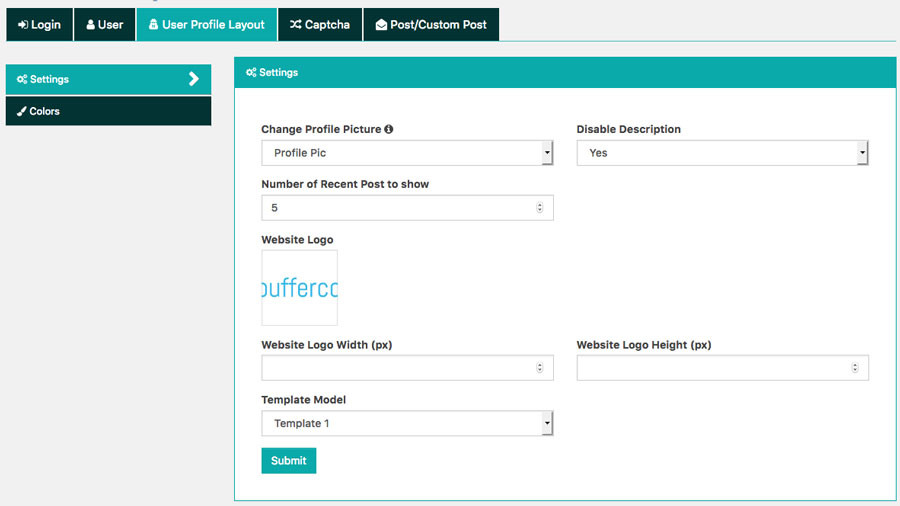
Website Logo
Add website logo to show in the custom profile layout with customizable height and width.
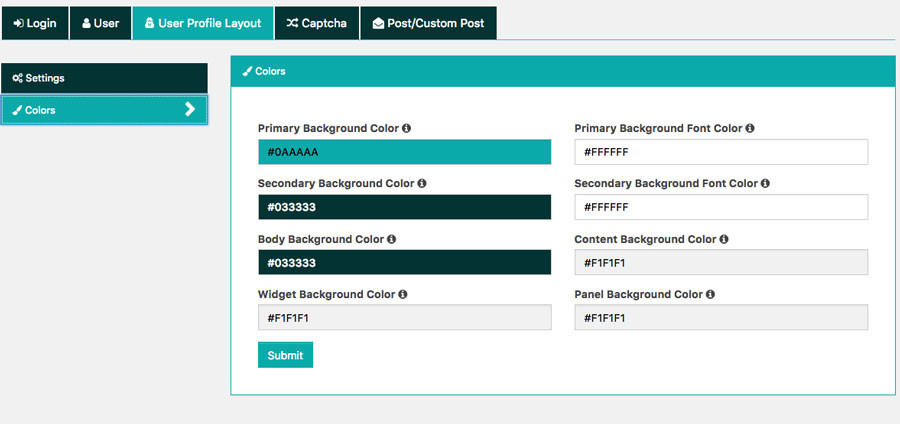
Extended Colors
The colors layout for body, left sidebar content, widget and panel background can be easily customizable.
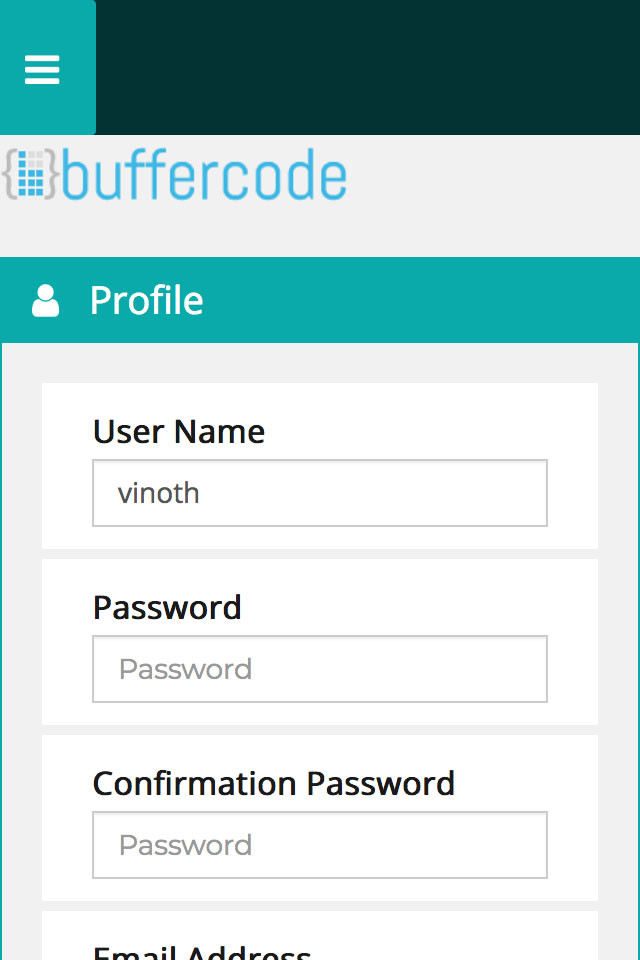
Mobile Responsive
These templates are mobile responsive and easily navigable.
Widgets
The right sidebar widget area can be used to show the variety of widgets in template
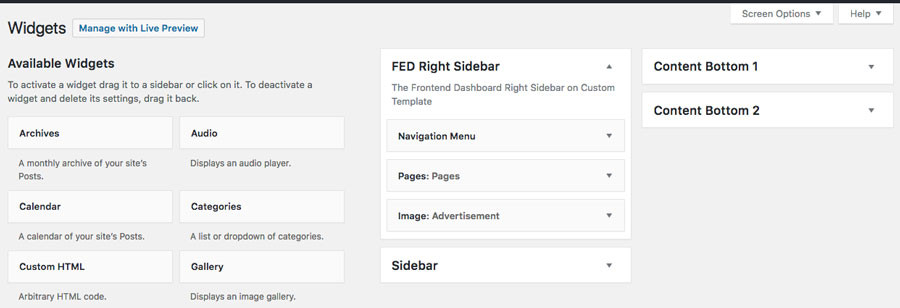
Plugin Screenshots & UI Preview
Click any screenshot below to inspect the interface and configuration settings in full resolution.
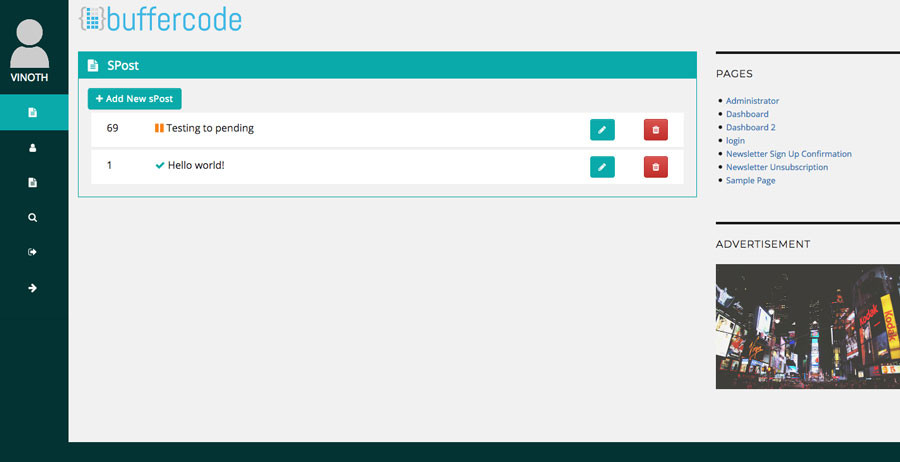
Frontend Dahsboard Collapsed View
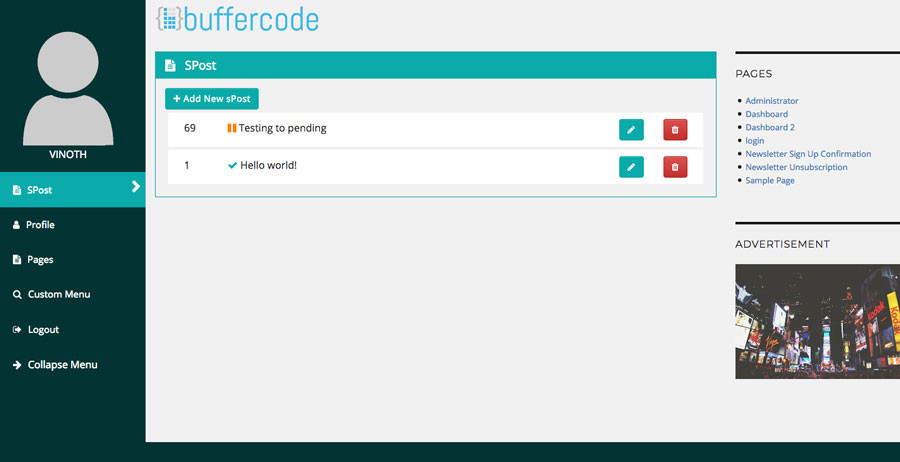
Frontend Dahsboard Full View
Widgets
Changelog & Release Notes
Detailed history of improvements, bug fixes, and feature additions.
* Added post into the user profile page tab.
* Bug fixed: Background color default to green.
* Bug fixed: Auto height too 100% removed.
Frequently Asked Questions
Everything you need to know about Frontend Dashboard Templates installation, licensing, and usage.
2. Go to the plugins setting page and activate “Frontend Dashboard Templates”
3. Go to Frontend Dashboard | Frontend Dashboard | User Profile layout | Settings
4. Add Logo and change the template form Template model
5. Do save.
1. Go to Admin Dashboard | Frontend Dashboard | Frontend Dashboard | User Profile Layout | Hide Admin Menu Bar
2. Select the necessary user roles to hide the WordPress admin menu bar, including Administrator and Unregistered users
3. Do save.
4. Now the Admin menu bar will be hidden for the selected user roles.