
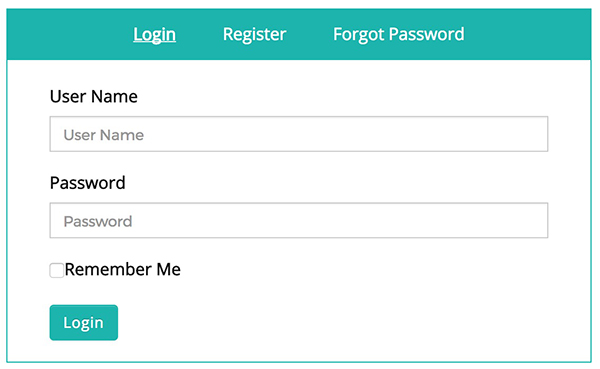
This post will help you to create all in one login page, which includes [login, register, forgot password]
- First, we need to create a new page for custom login.
- Please go to Admin Dashboard | Pages | Add New Pages
- Give appropriate title
- Add shortcode in content area [fed_login]
- Change Page Attributes Template to FED Login [In Right Column]
- Publish the page.
- Navigate to Frontend Dashboard | Frontend Dashboard | Login | Settings
- Change the Login Page URL to the newly created custom login page.
- Save the settings.