
#Video
This Video tag has the detailed video explanation on WordPress core and Custom Plugins
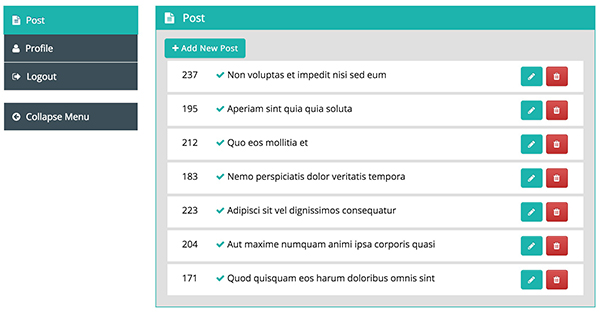
How to create Dashboard for Frontend Dashboard WordPress plugin
First, we need to create a new page for the custom dashboard. Please go to Admin Dashboard | Pages | Add New Pages Give appropriate title Add shortcode in content area [fed_dashboard] Change Page Attributes Template to FED Dashboard [In Right Column] Publish the page. Navigate to Frontend Dashboard | Frontend Dashboard | Login | Settings Change the Dashboard Page URL to the newly created custom login page. Save the settings.
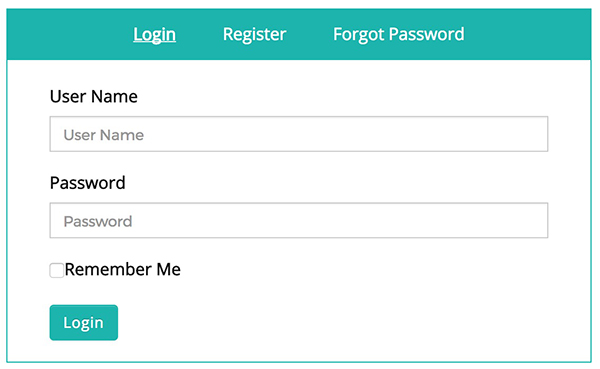
How to create custom login for Frontend Dashboard WordPress Plugin
This post will help you to create all in one login page, which includes [login, register, forgot password] First, we need to create a new page for custom login. Please go to Admin Dashboard | Pages | Add New Pages Give appropriate title Add shortcode in content area [fed_login] Change Page Attributes Template to FED Login [In Right Column] Publish the page. Navigate to Frontend Dashboard | Frontend Dashboard | Login | Settings Change the Login Page URL to the newly created custom login page. Save the settings.